
Build CAD models: describe instead of design
Describe the part in your own words: purpose, dimensions, connections. Onagero builds the model, checks it and saves it as a STEP file for your CAD system, manufacturing or 3D printing.
Your description
- “Build our robot a gripper.”in your own words
- Dimensions and connectionsfrom a drawing or data sheet
- Photo or sketchif it helps
Onagero builds and checks
- Exact solidsin millimetres
- No overlapsevery contact checked
- Mass calculatedper part and in total
- Every change a versionjust keep describing
Your model
Gripper for the new robot
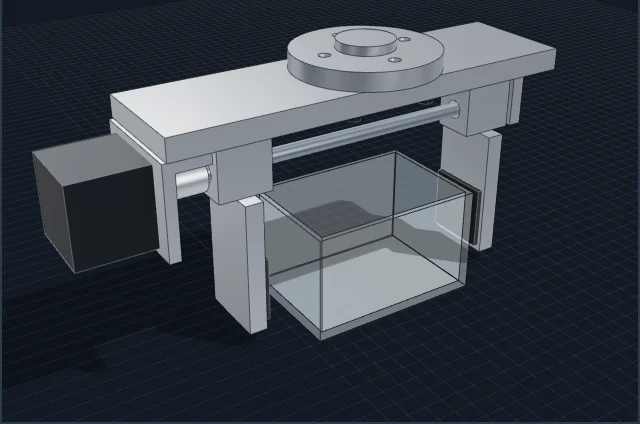
- gripper.stepfor every common CAD system
How it works
- 1
Describe
What should the part do, what dimensions and connections does it have? A sketch, a photo or a data sheet helps.
- 2
Build and check
Onagero builds the model from exact solids and checks every part and every contact for overlaps. You describe changes as you go.
- 3
Use it further
You get a STEP file that every common CAD system opens, plus views from six directions.
Built with Onagero
Real models from the CAD tool, each one made from a description.
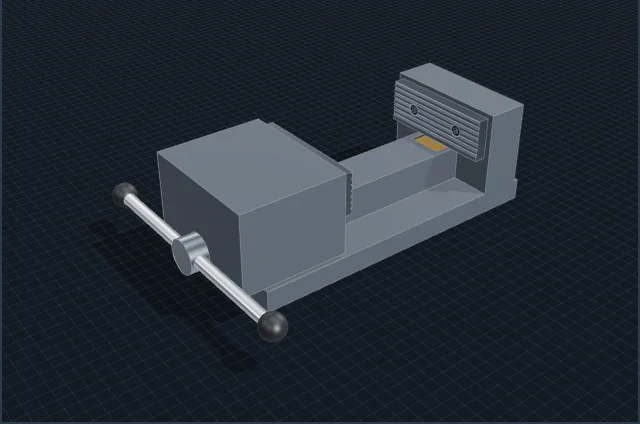
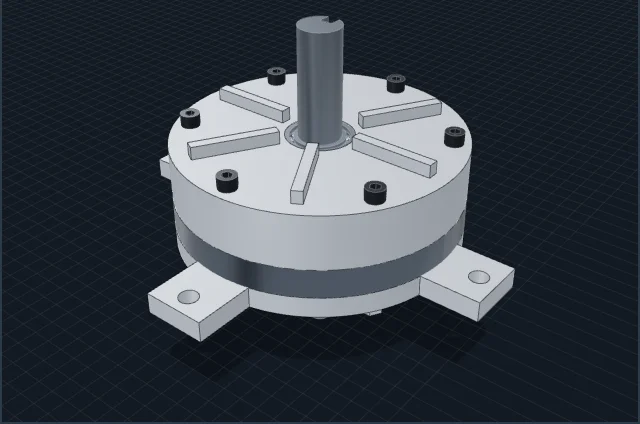
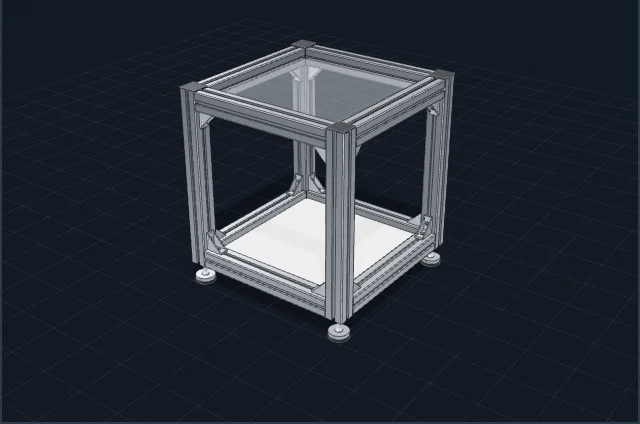
What matters
- Onagero does not replace design engineering: tolerances, strength and standards are checked by your engineer before anything is made.
- Best suited to fixtures, holders, grippers and assemblies of basic shapes. Free-form surfaces are not its strength.
- The STEP file is yours: you keep working on it in your CAD system.
Onagero.
Best seen live.
We show you the platform on a real process, answer your questions and talk through how you can start with your team.
Book a personal demo →30 minutes, free. Then a fixed written offer before anything starts. hallo@onagero.com
Common questions
Which file format do we get?
STEP, the exchange format every common CAD system opens, plus images from six views.
Do we need CAD skills for this?
Not to describe. Whoever wants to keep working on the model opens the STEP file in their CAD system.
Can Onagero change a model later?
A model made in Onagero, yes: you describe the change, and a new version is created.